Nisha Kulkarni
Founder @ Chai Club
Getting forty strangers to talk to each other on Thursdays.
- Community
- Events
Connect
The room, made legible.
Take the RSVPs, scan them in at the door, and let the people who showed up find the ones worth meeting.
Free. Built in Bengaluru.
Programme
Design Systems Bengaluru
Venue
Church Street
Doors
7:00 PM
Priya Menon
Rebuilding our onboarding in the open, one week at a time.
You tap connect. They decide. If the answer is no, nothing arrives. No notification, no email, no counter that moves, no row you could go and read.
A request that was turned down looks exactly like a request nobody has opened yet, because nothing you can see, or ever will see, tells them apart.
Nobody has to feel rejected in a room they are still standing in.
Check in and the floor opens. Everyone here who is open to talk, ordered by what you said you came for. When it is mutual you have their card and a thread.
See the whole flow →Bengaluru JS
47 here
Nisha Kulkarni
Founder @ Chai Club
Getting forty strangers to talk to each other on Thursdays.
Arjun Rao
Backend @ Nium
Teaching Postgres to do the boring half of our matching.
Priya Menon
Design lead @ Sarva
Rebuilding our onboarding in the open, one week at a time.
Farhan Qureshi
Staff engineer @ Loomcraft
Cutting our build from nine minutes to under two.
What Priya wrote when she arrived.
Create it, give it a look, publish. Approval or a waitlist, a QR at the door, and one place to write to everyone who is coming.
See the desk →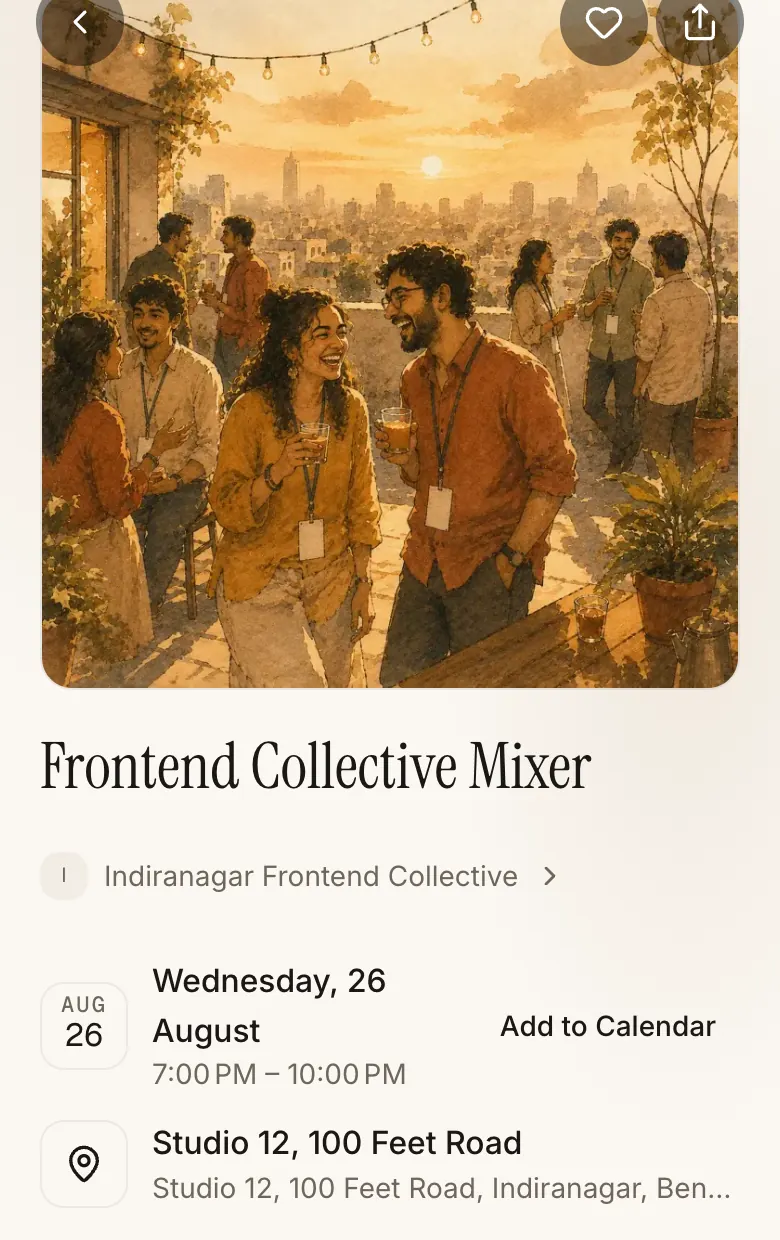
Set the hours you are free, once. People pick a time that is genuinely open in your Google Calendar, and either side can move it.
See a booking →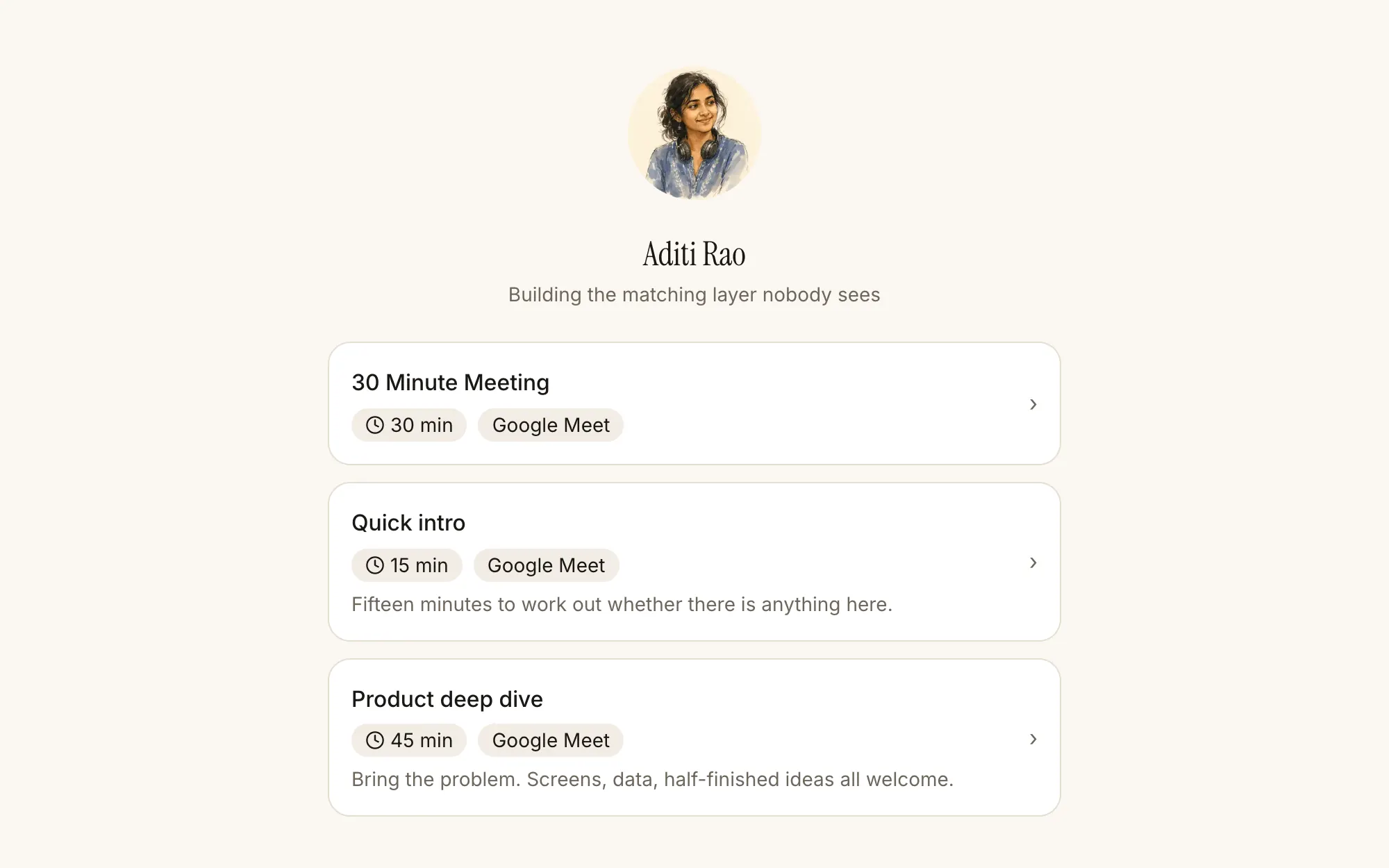
Everything shipped as of today stays free, forever. These are the prices for what's rolling out next, and nothing you already have gets taken away.
Free
₹0
forever
Free today, and free for good.
Calendar Premium
₹299/mo · ₹2,499/yr
Host Packs
Sponsor Event · ₹4,999
Conference · ₹14,999
Per event, invoiced.
AI stays a meter, not a gate. Recordings, summaries, and extra volume are pay-as-you-go add-ons, on top of any plan.
For hosts
Everything between the first RSVP and the recap you send the next morning.
Bengaluru is the first room. Delhi is the second. Everything here is built to move to the next one.

Sign in once. The next event you go to has a floor, and the people on it wrote down why they came.